Custom AI Content Pipeline: Video Editing to RSS Publishing
Creating content is one thing — editing, packaging, publishing, and distributing it is another. This walkthrough demonstrates a custom AI-powered content pipeline built on top of BFFless using three purpose-built apps: Studio for video post-production, Handoff for file hosting and sharing, and Reader for consuming published content via RSS feeds. Together, they form an end-to-end workflow that takes raw video footage and turns it into an edited video, a written blog post, and a publicly accessible RSS-subscribable publication — with minimal manual effort.
The video being processed in this demo is the one behind our previous post, Using BFFless Skills and MCP Server for AI Workflows — so you can see both the pipeline and its output.
The Three Apps
All three apps live in the BFFless apps repository — a collection of ready-to-deploy applications that run on top of a BFFless instance. Each one serves a distinct role in the pipeline:
-
Studio handles post-production processing of videos. It runs entirely in the browser, using FFmpeg compiled to WebAssembly to perform all the editing client-side — meaning there is no server-side compute cost. Studio imports raw video clips, transcribes the audio, generates contact-sheet thumbnails, and then hands everything off to an AI "director" that intelligently cuts the footage into chapters and scenes. It can also generate a thumbnail image and a full blog post from the video content.
-
Handoff is a file-hosting tool, similar in concept to Dropbox. You drag and drop content into a browsable file structure on a webpage. Files and folders can be made public, turning Handoff into a lightweight self-hosted file server and blog publisher.
-
Reader is an RSS feed reader, named in honor of the late Google Reader. It subscribes to feeds — including feeds generated by the Handoff file server — so that when new content is published, subscribers are notified automatically.
The magic is in how they connect: Reader can subscribe to Handoff's RSS feed, so any blog post or file uploaded to Handoff is automatically surfaced in Reader for anyone following that feed.
Importing and Prepping Video in Studio
The demo begins in Studio, which at the time of recording only works in Firefox due to an FFmpeg bug in Chrome. Two raw video clips are dragged into the import area — one is a short 43-second intro, and the other contains the bulk of the content at around 19 minutes.
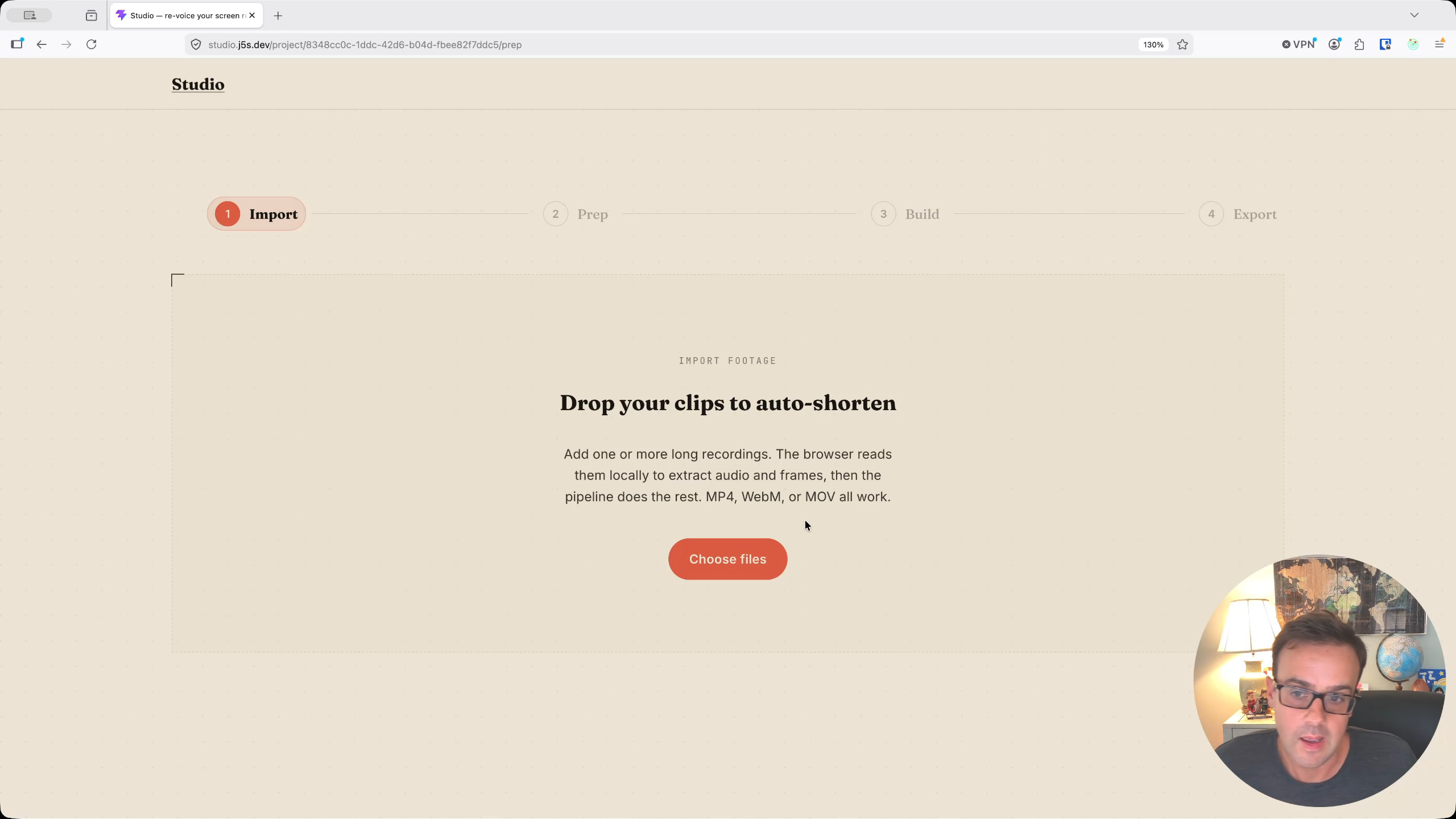
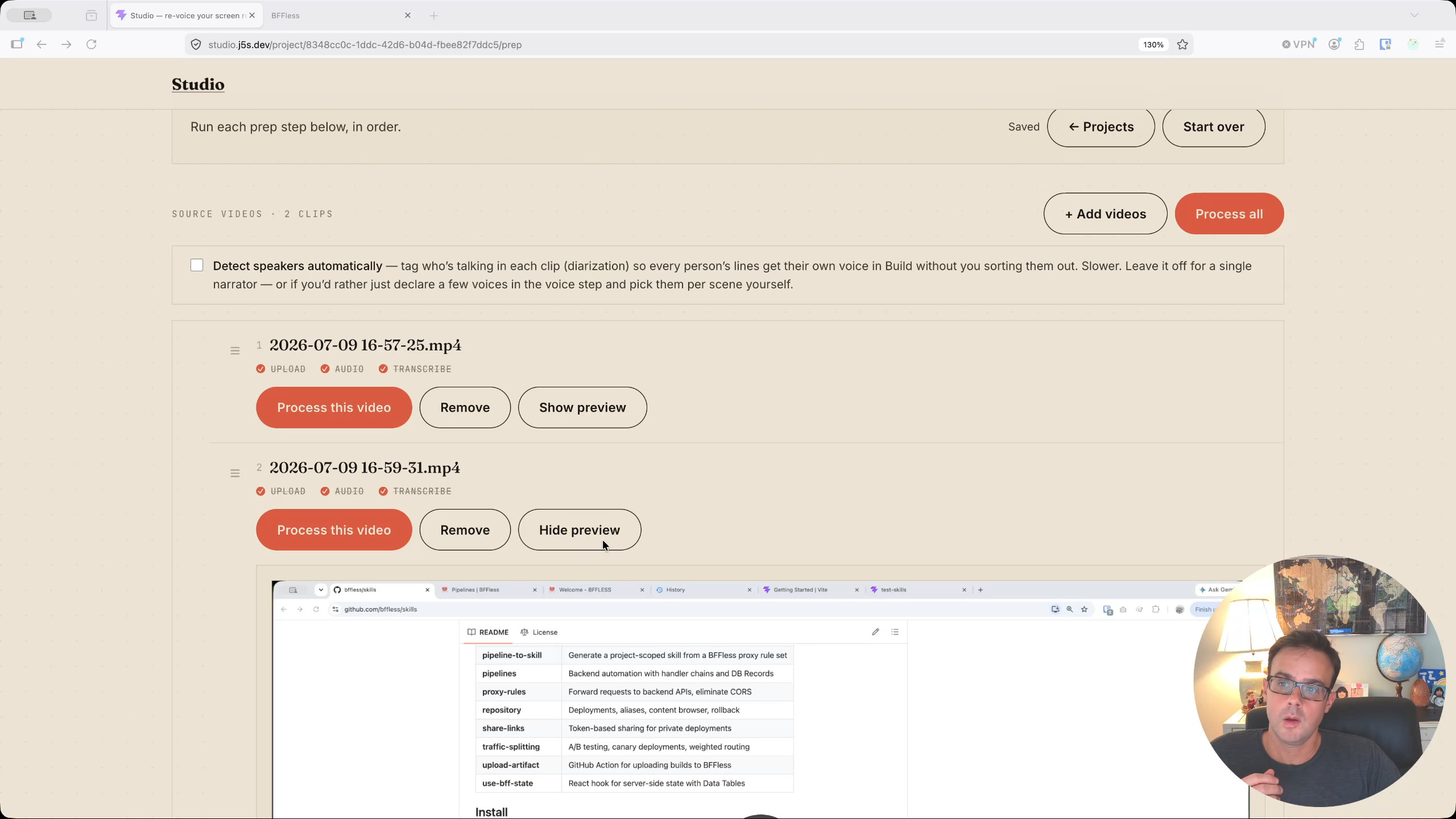
Studio's workflow has four stages: Import, Prep, Build, and Export. After importing the clips, the prep step kicks off automatically. For each video, Studio uploads the file, extracts the audio into a separate WAV file, and transcribes it. This happens quickly and sets the stage for everything that follows.
Next, Studio generates thumbnails — contact-sheet images sampled roughly every 10 seconds from the video. These serve two purposes: they give the AI model "eyes" to understand what is happening visually in the video alongside the transcript, and they are later reused as candidate images for the blog post. The thumbnails are capped at about 10 images per contact sheet, since the LLM used for processing has a limit of around 10–12 images.
The AI Director
With the transcript and contact sheets ready, the next step is to send everything to the AI director. The director receives the full timestamped transcript (with timestamps every eight seconds), the system instructions, and the contact-sheet screenshots. It uses all of this context to break the video into logical chapters.
For this particular video about using skills and MCP with BFFless, the direction given was intentionally minimal: "clean this up a bit, cut only what needs to be cut or does not add value." The AI director processed the input in about a minute and returned a synopsis — "a comprehensive walkthrough of enhancing AI workflows by integrating developer skills and MCP servers with the BFFless platform" — along with four suggested chapters:
- Introduction to BFFless Skills
- Installing Developer Skills in Claude
- Using Skills with BFFless Pipelines
- Setting up the MCP Server
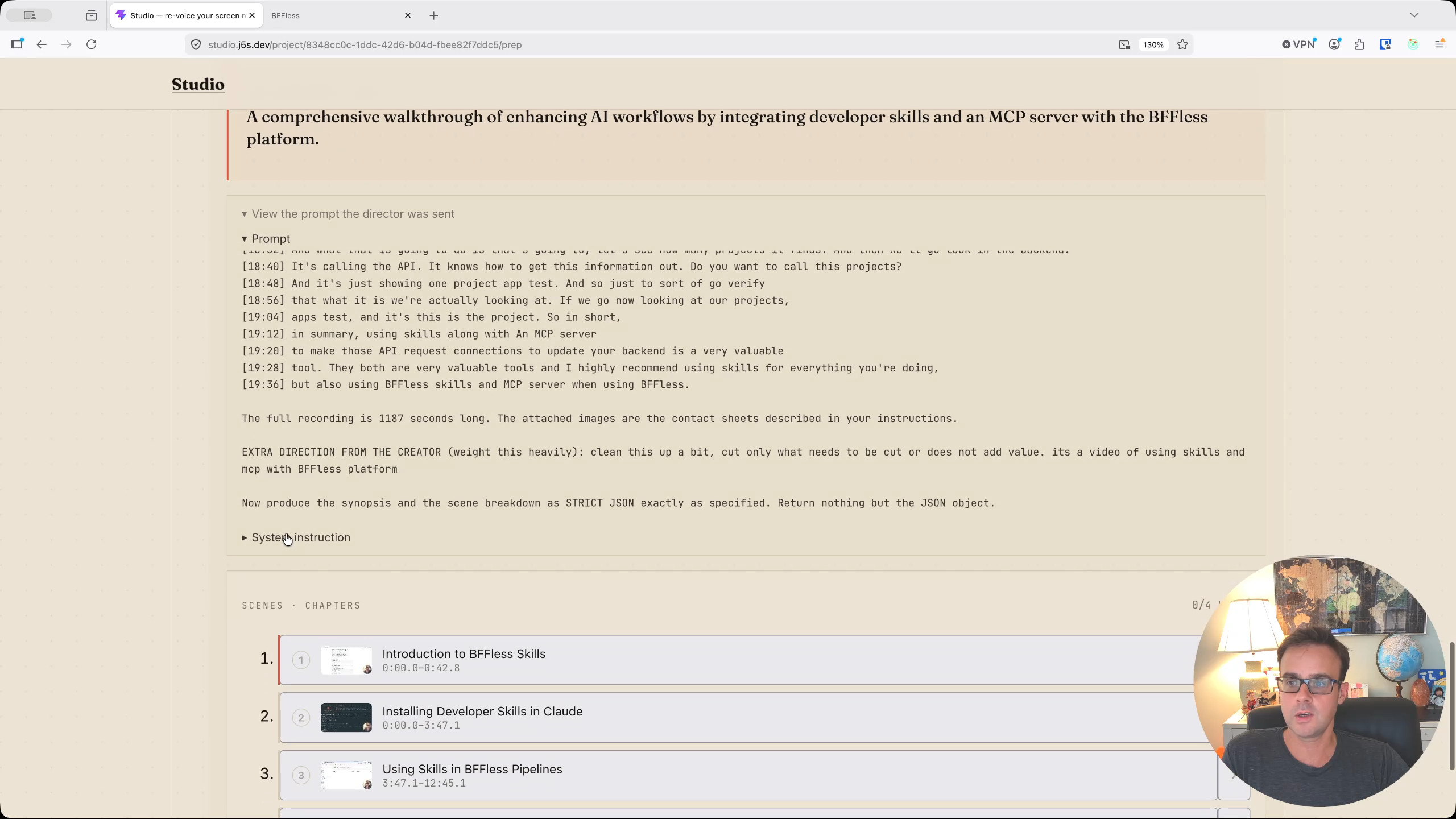
You can inspect the full prompt that was sent to the LLM, including the transcript and screenshots. The chapters are generated using a BFFless pipeline on the back end.
Auto Build: Cutting the Video
From here, you can either go through each chapter manually or use the Auto Build feature, which processes every chapter automatically. Auto Build cuts the video into scenes, generates scene-level contact sheets, and sends each scene back to the AI director for fine-grained refinement — deciding exactly where to trim within each scene.
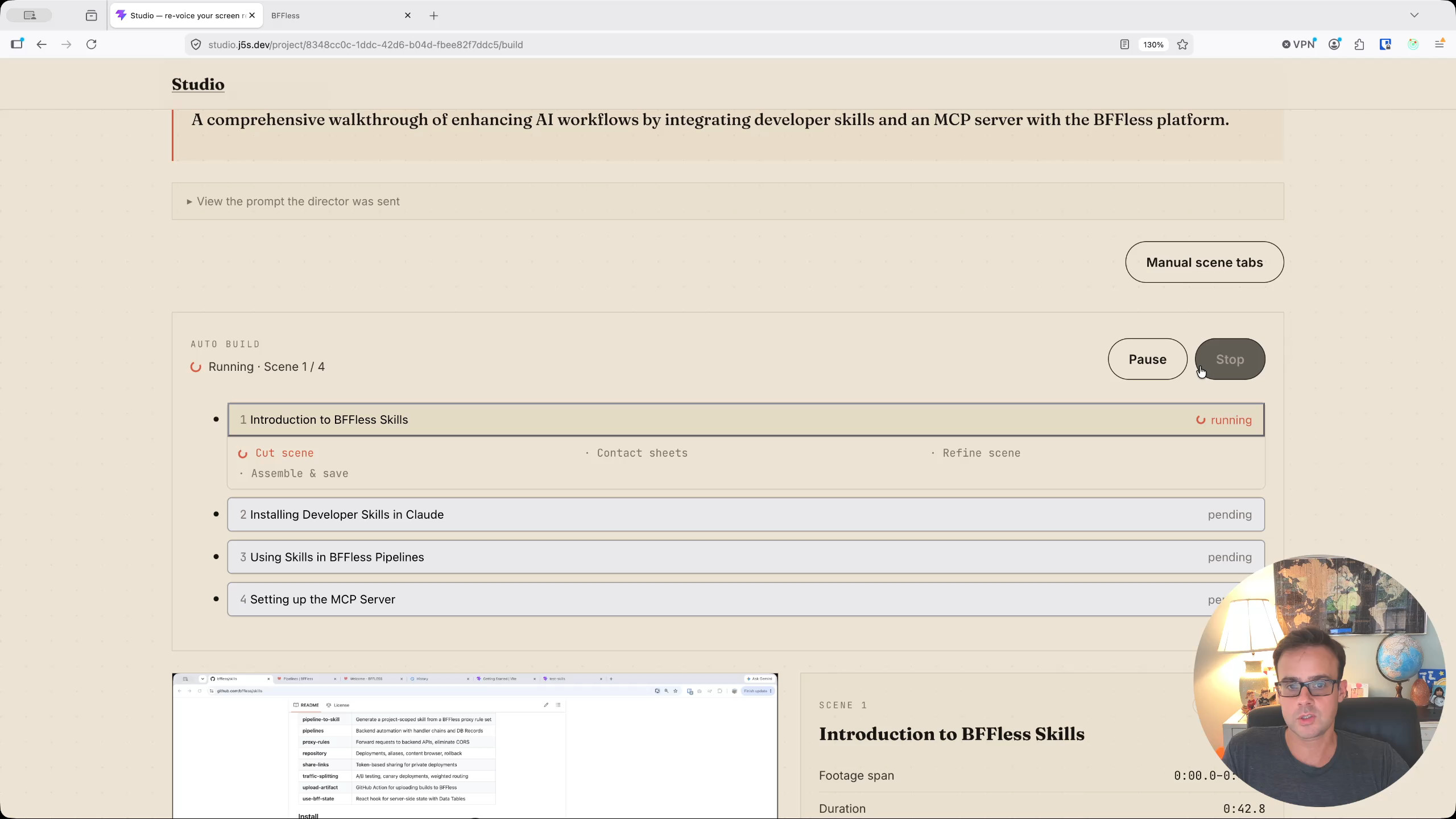
The entire auto-build process takes roughly as long as the video itself. For a 20-minute video, expect about 20 minutes of processing. But since it all happens in the browser, you can walk away and come back when it is done.
Export: Title, Thumbnail, and Blog Post
Once all four chapters are cut and stitched together, Studio moves to the Export step. The original ~19-minute video was trimmed to just under 17 minutes — only about two minutes of dead air and low-value content removed, matching the conservative direction given. Had the instruction been to cut the video in half, the AI would have done that too, though at the cost of potentially useful content.
The export step generates several assets:
- Title and description: The AI-generated title was "Using BFFless Skills and MCP Servers for AI Workflows," along with a description and chapter timestamps.
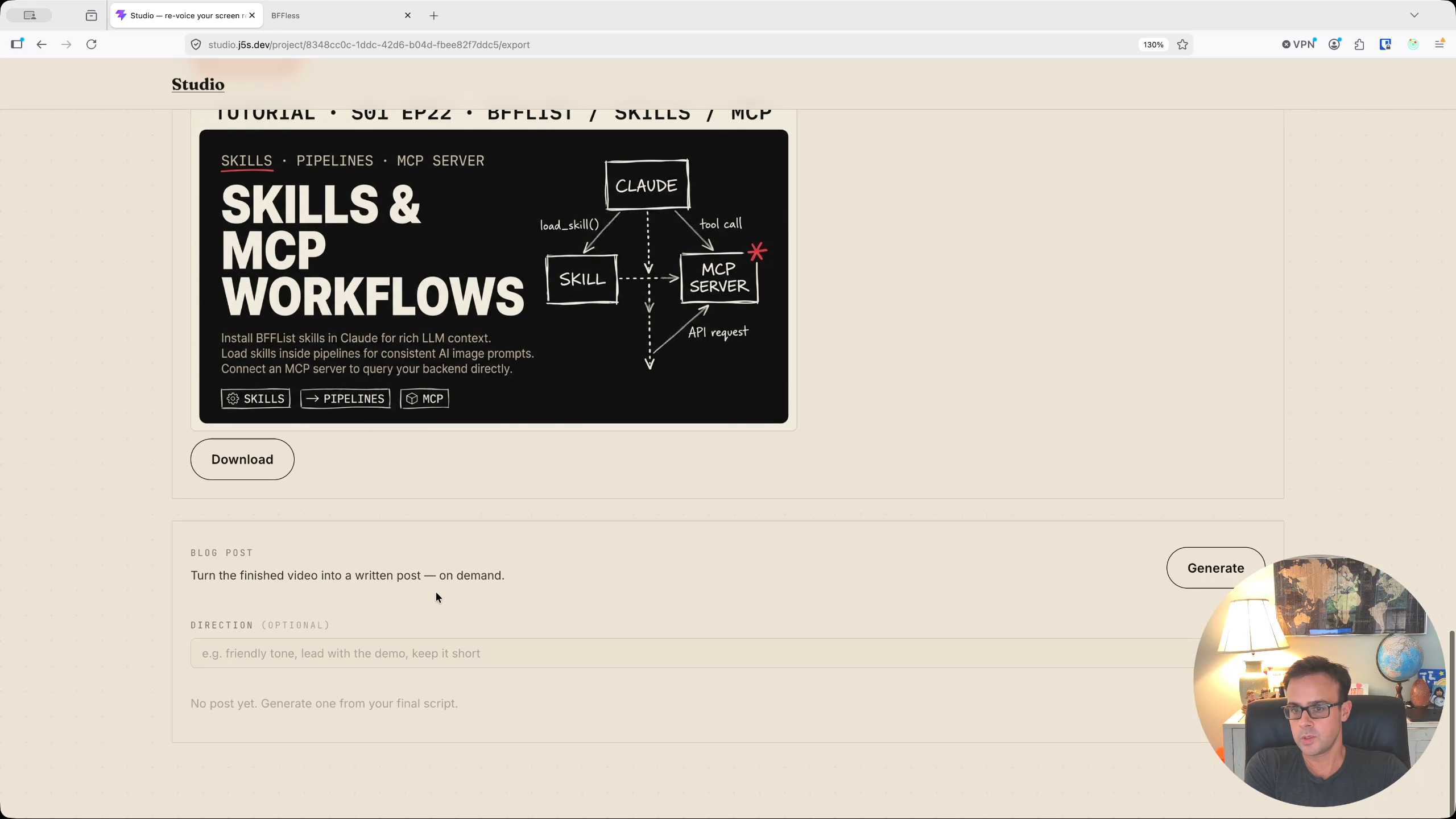
- Thumbnail image: Studio drafts a prompt and sends it to Gemini Flash to generate a thumbnail. For this video, the instruction was to use the "tutorial design but give it a dark" style, resulting in a retro blue-toned graphic.
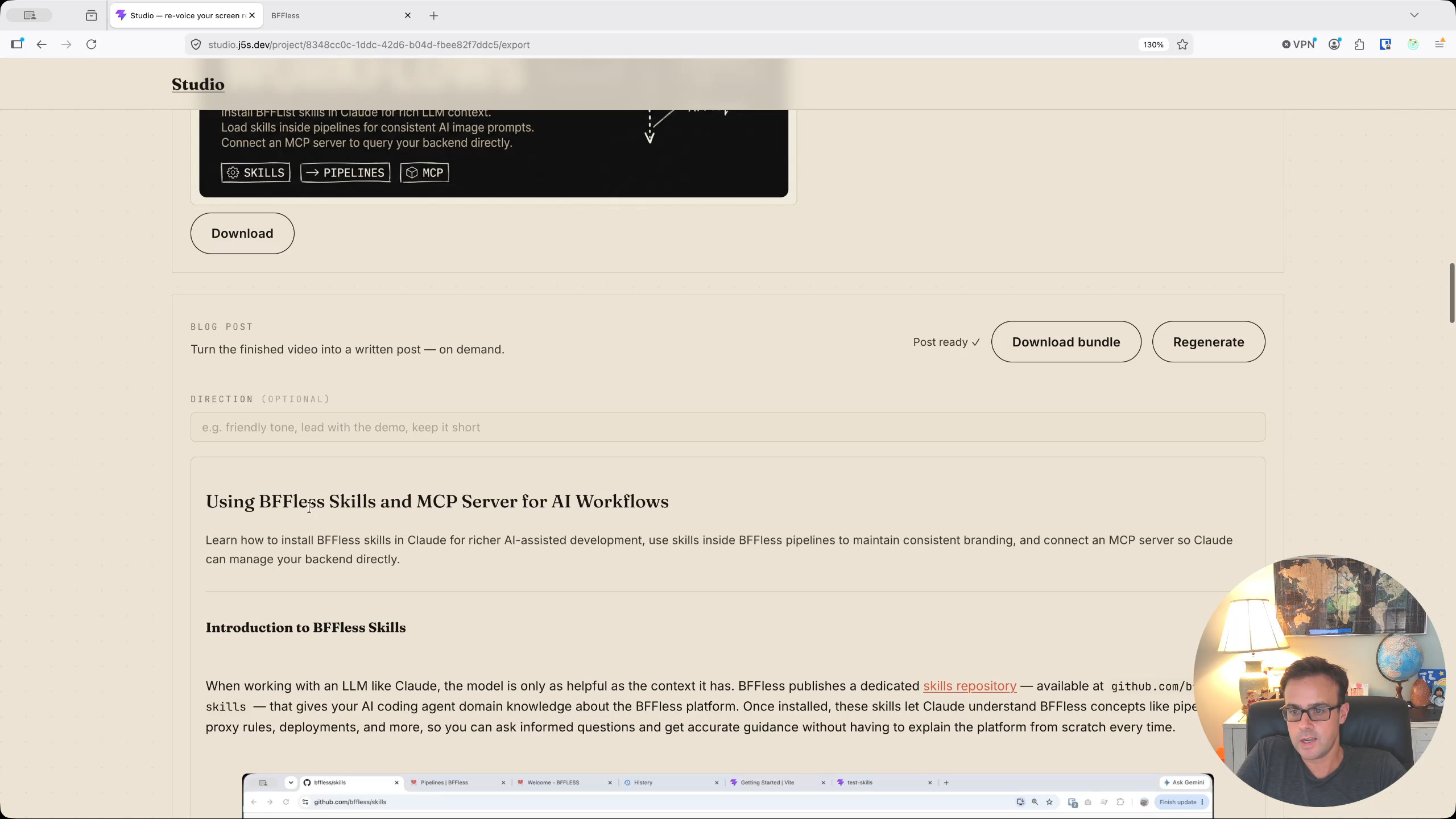
- Blog post: Studio takes the transcript, contact sheets, and direction, then calls Claude to produce a full written blog post. The post includes section headings matching the video's chapters, inline images selected from the video frames, and — importantly — any text visible in screenshots is transcribed into the post as copyable text rather than relying on the image alone.
The blog post generation is interactive: you can swap out which video frame is used for each section, choosing more flattering or relevant shots. Once satisfied, you download the bundle as a zip file containing the Markdown post and all associated images.
Publishing with Handoff
With the blog post bundle downloaded, the next step is to publish it via Handoff. Switching over to Chrome, the Handoff app presents a simple file manager interface. A new folder structure is created — blog/skills — and the contents of the zip bundle are uploaded into it.
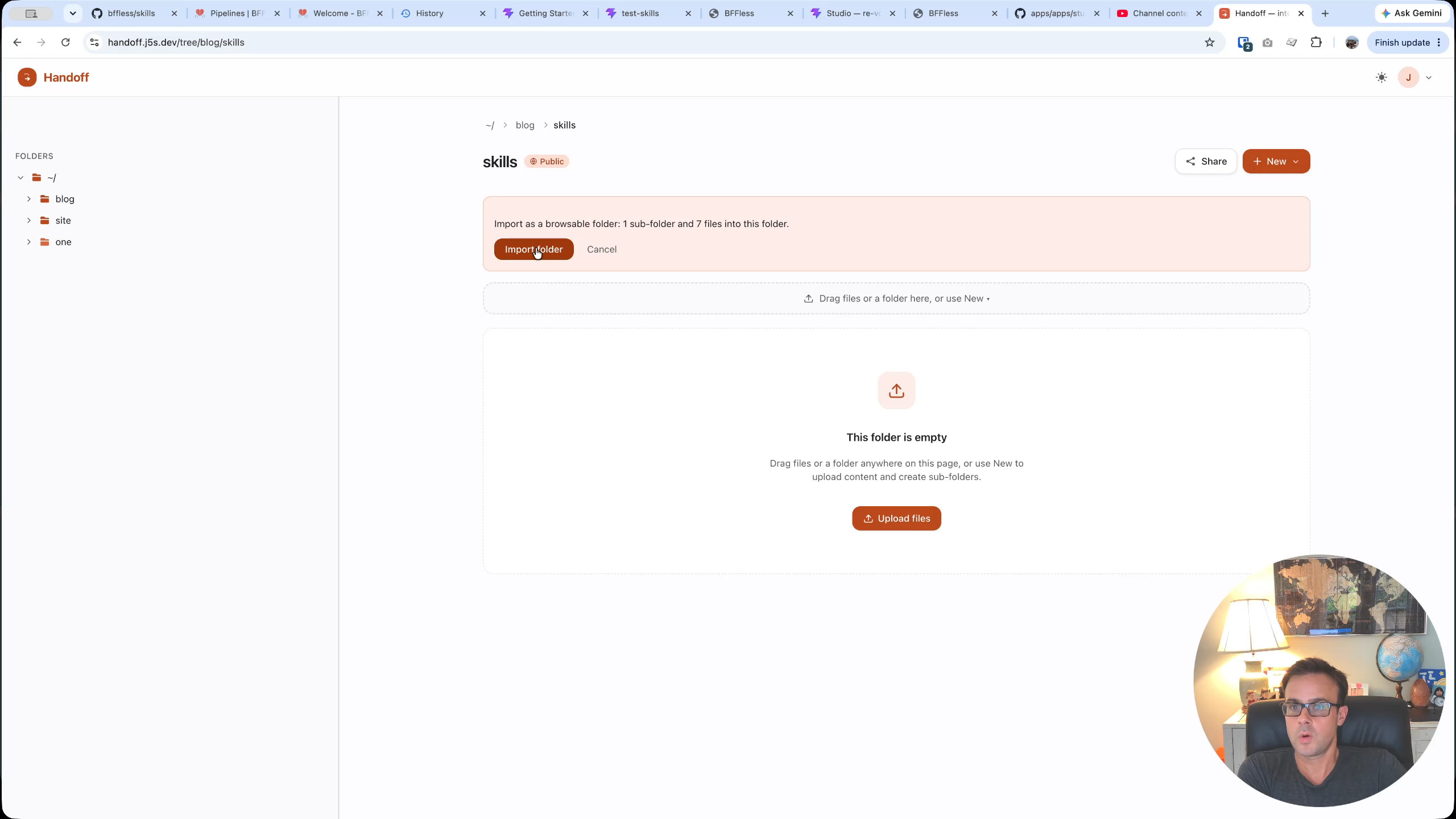
Once uploaded, the blog post is immediately publicly available on the internet. To verify, signing out of Handoff in Firefox confirms that the post is still accessible to unauthenticated visitors — it is a public blog post hosted on a self-hosted file server.
Subscribing with Reader
The final piece of the pipeline is Reader. Back in Chrome, the Reader app already has a feed subscription pointed at the Handoff file server. Refreshing the feed pulls in the newly published blog post automatically.
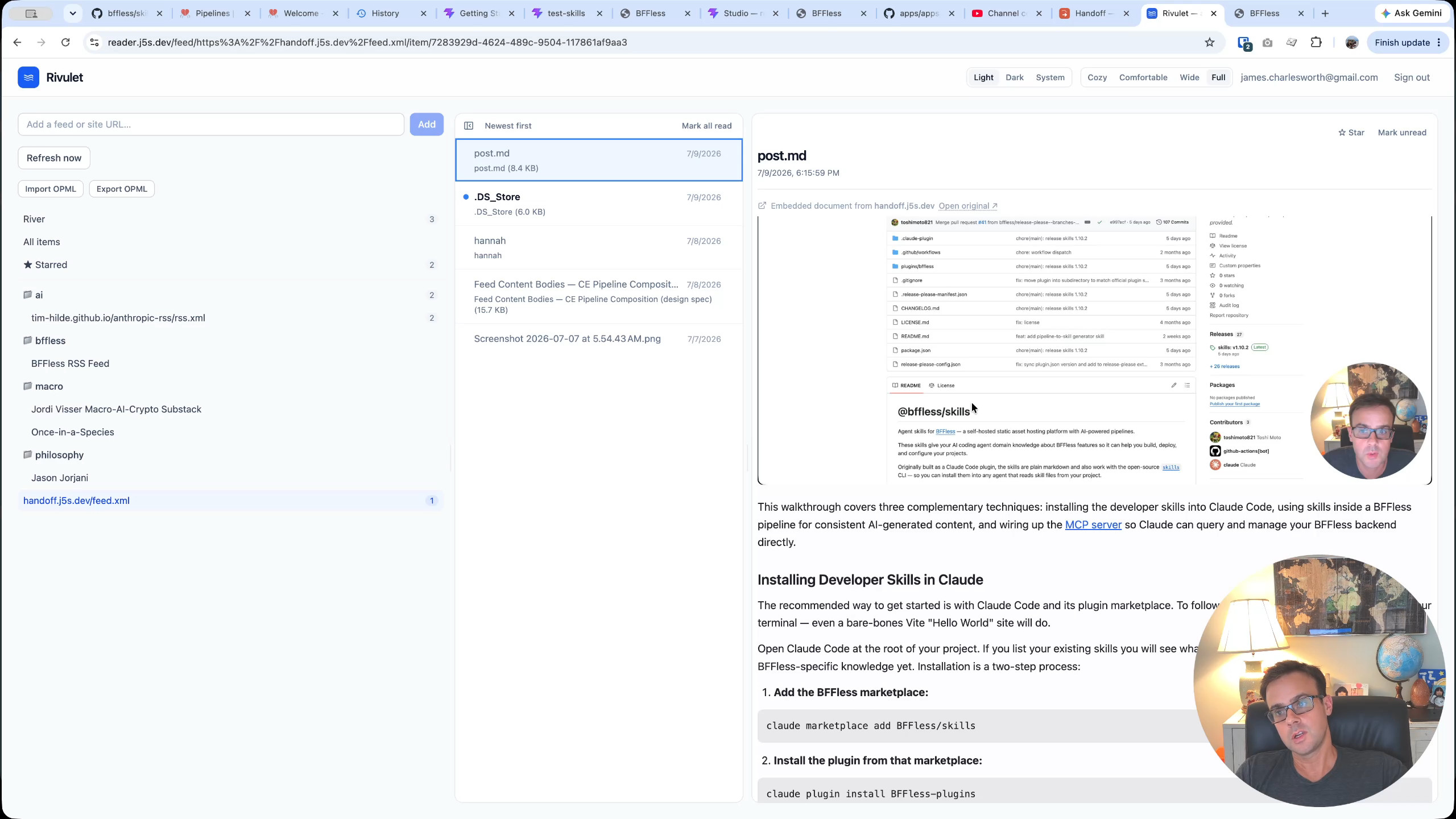
There are a few rough edges demonstrated honestly in the video: image files and macOS .DS_Store files also appeared in the feed as separate items. Handoff has a feature to exclude folders from the feed (navigating to the images folder and selecting "exclude from feed"), though at the time of recording, file-level ignore was not yet supported. The stale items had to be manually cleaned out of the Reader's database before refreshing again.
Despite these minor issues, the core concept works: a feed reader that subscribes to a file server means that anyone on a team can publish content to their Handoff instance and have teammates — or the public — automatically notified through their RSS reader.
Wrapping Up
These three apps — Studio, Handoff, and Reader — form a cohesive content pipeline built entirely on BFFless:
- Studio creates and refines content (video editing, blog post generation, thumbnail creation), all running client-side in the browser with AI-powered editing via BFFless pipelines.
- Handoff hosts and shares that content publicly through a simple drag-and-drop file server.
- Reader consumes and distributes content through RSS feed subscriptions.
The pipeline is still evolving — there are known bugs to fix (like the file-level feed ignore and the Chrome FFmpeg issue) and features to add. But it already demonstrates a powerful pattern: using BFFless as the backbone for custom AI-assisted tooling that handles the full lifecycle of content creation, hosting, and consumption.
You can find the source code for all three apps on GitHub at github.com/bffless/apps.