Deploying a Decentralized RSS Reader with Claude and BFFless
Back in 2013, Google shut down one of its most beloved products: Google Reader. It was a simple, elegant RSS feed reader — and millions of people relied on it to keep up with blogs, news, and niche publications. Google killed it because it didn't align with their strategy, and the internet has never quite recovered.
This post walks through building and deploying a spiritual successor — a self-hosted RSS feed reader built with Claude and running on BFFless. The entire deployment, from an empty instance to a working application, is handled by prompting Claude to use the BFFless MCP server. No manual configuration of backend endpoints, database tables, or domain mappings required.
The App: A Modern Feed Reader
The reader app is straightforward but functional. It presents a sidebar with folders and feeds, and a main content area that displays articles from your subscriptions. You can add new RSS feed URLs, organize feeds into labeled folders, mark items as read, and refresh everything on demand.
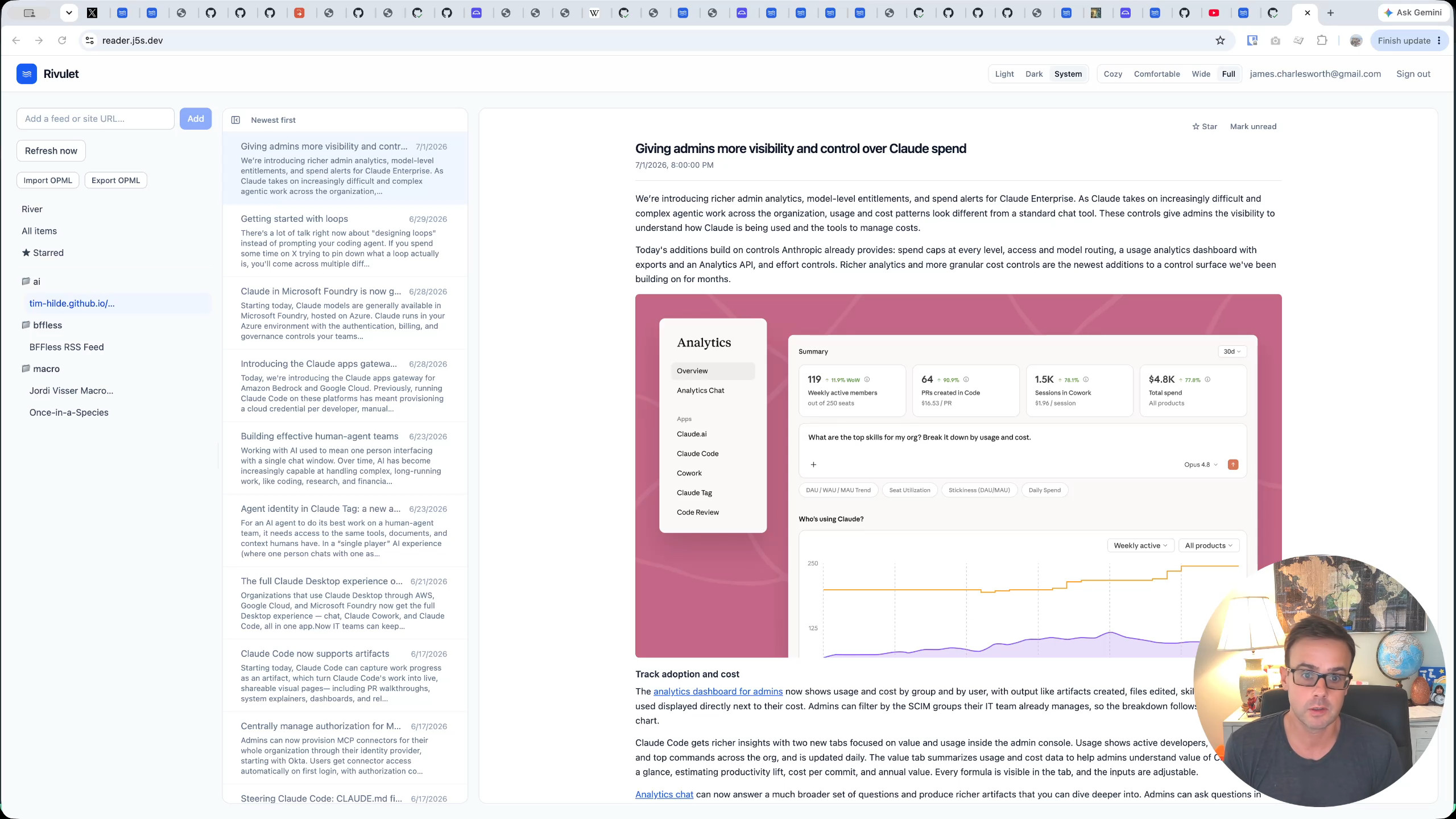
Behind the scenes, the app also runs background cron jobs to fetch new content while you're away — so when you open it up in the morning, your feeds are already up to date.
Preparing a Fresh BFFless Instance
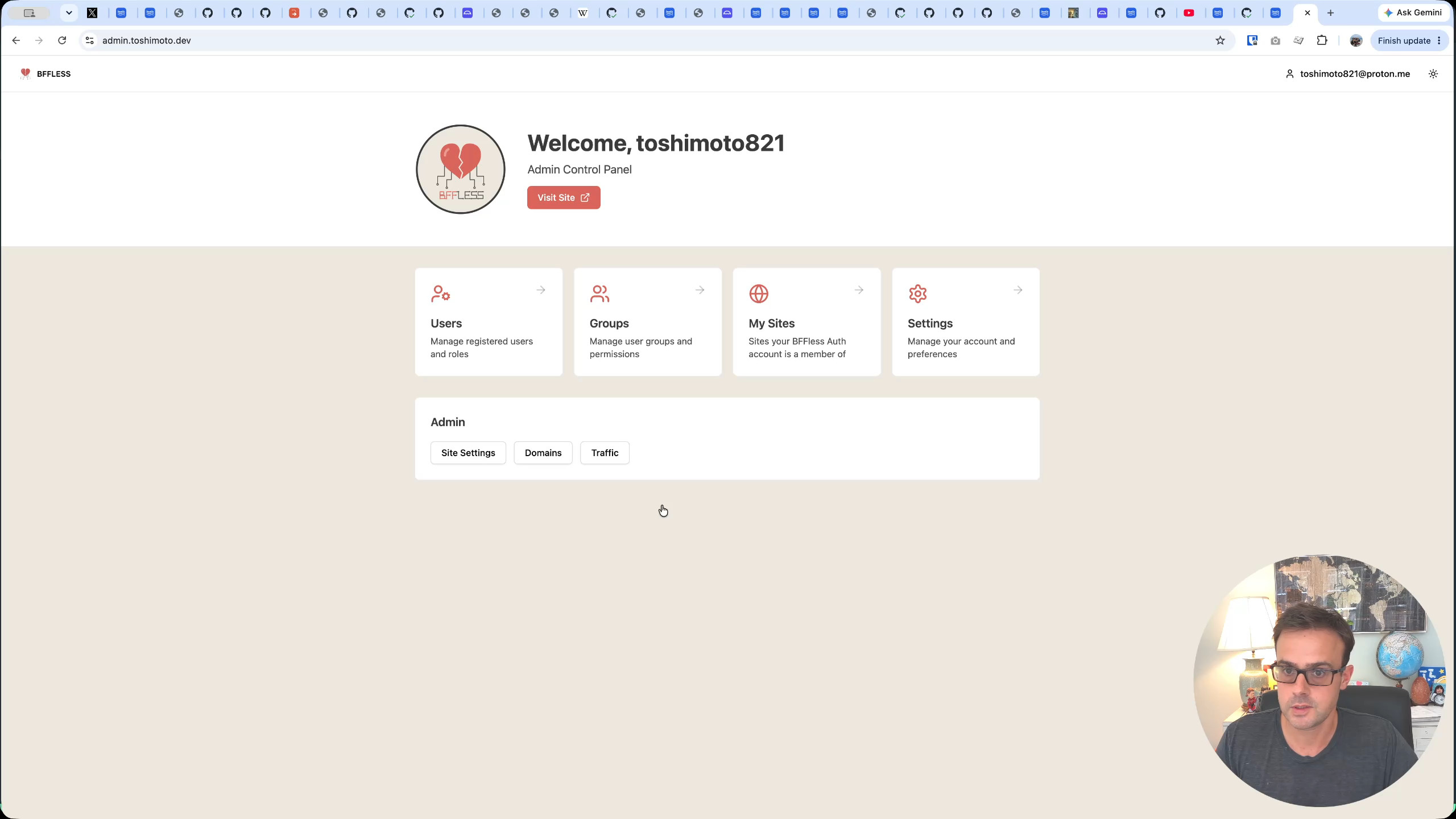
To demonstrate the full deployment process from scratch, the first step is to wipe the existing installation clean. In the BFFless admin panel at admin.toshimoto.dev, the previously installed reader project gets deleted — the repository is removed so the instance has zero projects and zero domains. A completely blank slate.
Over in the terminal, the apps repository has already been cloned locally with a Git remote pointing to the upstream source. A quick git pull confirms everything is up to date with the latest code. The repo contains the reader application along with its deployment instructions — everything Claude will need to know.
Telling Claude to Deploy
With the clean instance ready, the next step is simply telling Claude what to do. The prompt is direct:
I have deleted the reader on toshimoto.dev and I want you to install it fresh. You'll need to create the pipelines using the MCP server. You'll need to deploy the application and you'll need to create a domain
reader.toshimoto.dev, and you'll need to create the aliases along with anything else that your instructions tell you for deploying the reader.
Claude picks up the prompt and immediately starts working. It runs an "install app" skill (part of the BFFless apps system), calls into the pipeline APIs, and begins inspecting the current state of the instance. It confirms what we already know — zero projects, zero domains — and gets to work.
Watching the Backend Come Together
The deployment unfolds in a clear sequence, and you can follow along by switching between Claude's terminal output and the BFFless admin UI.
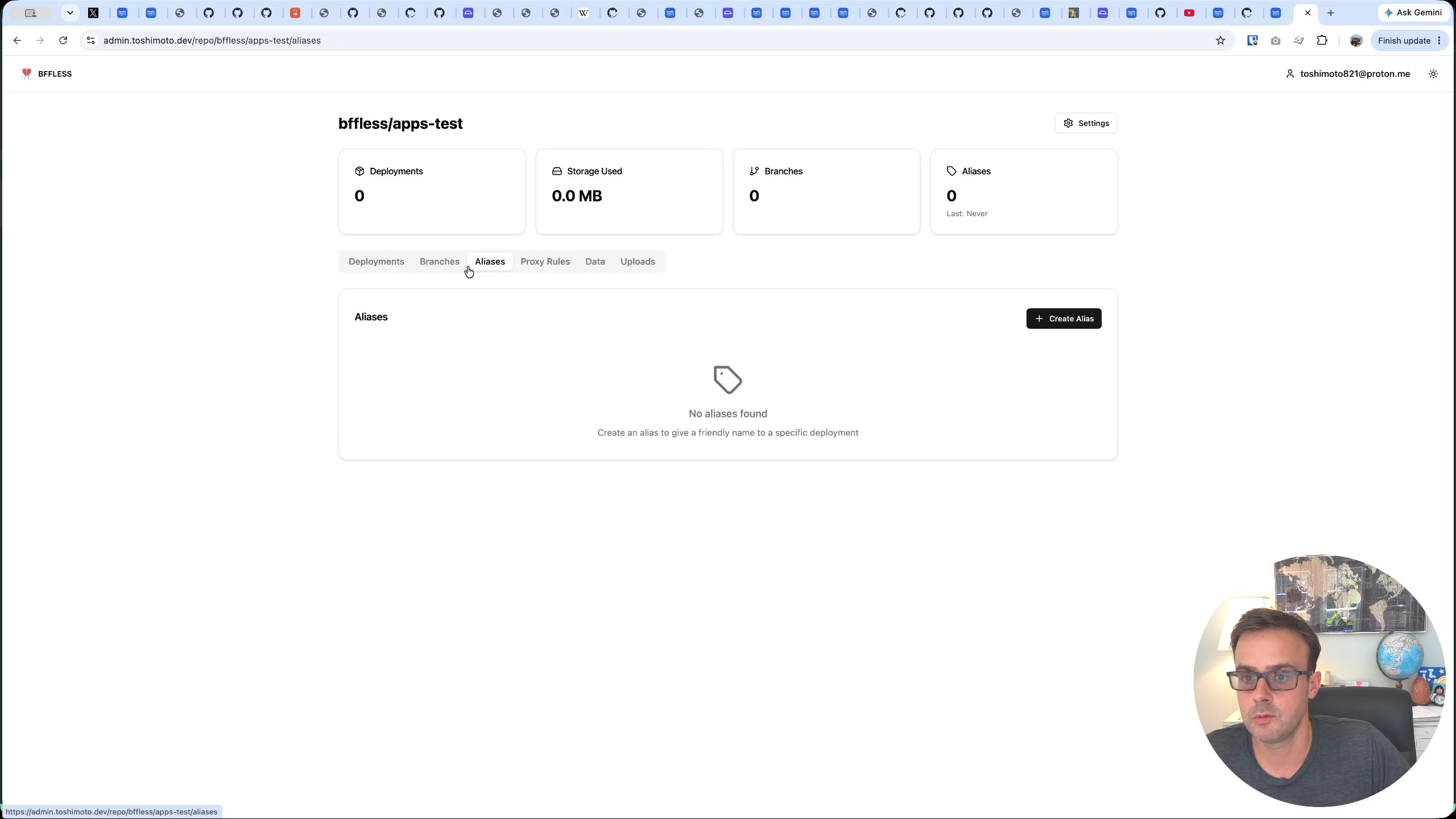
Project creation. Claude creates the project first. Switching to the admin panel confirms it: a new project appears, but it's empty — no rules, no aliases, nothing yet.
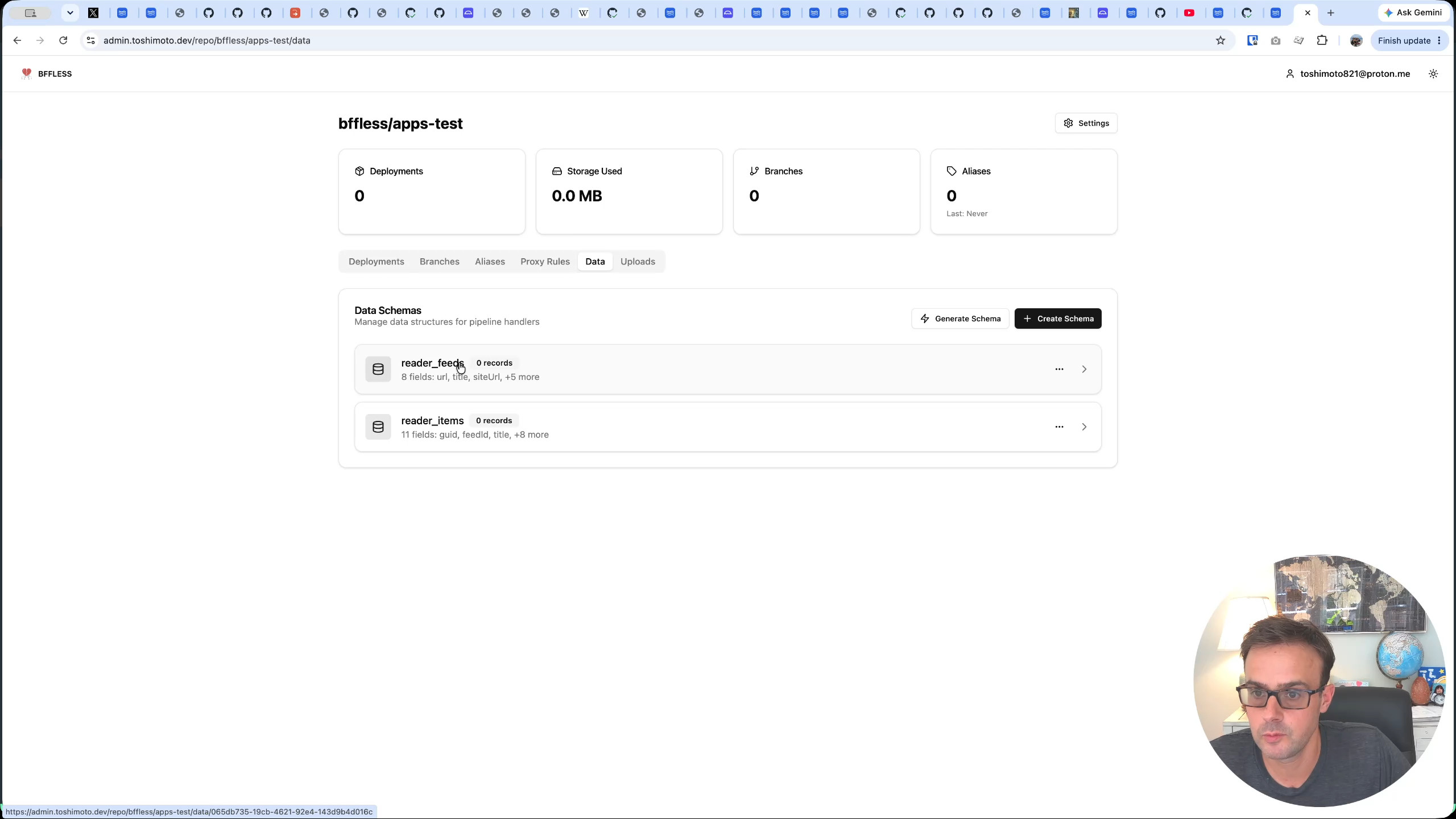
Database schemas. Next, Claude creates the backend database tables the app needs to store its data. Two schemas appear: reader_feeds (the feed subscriptions) and reader_items (the individual articles pulled from those feeds).
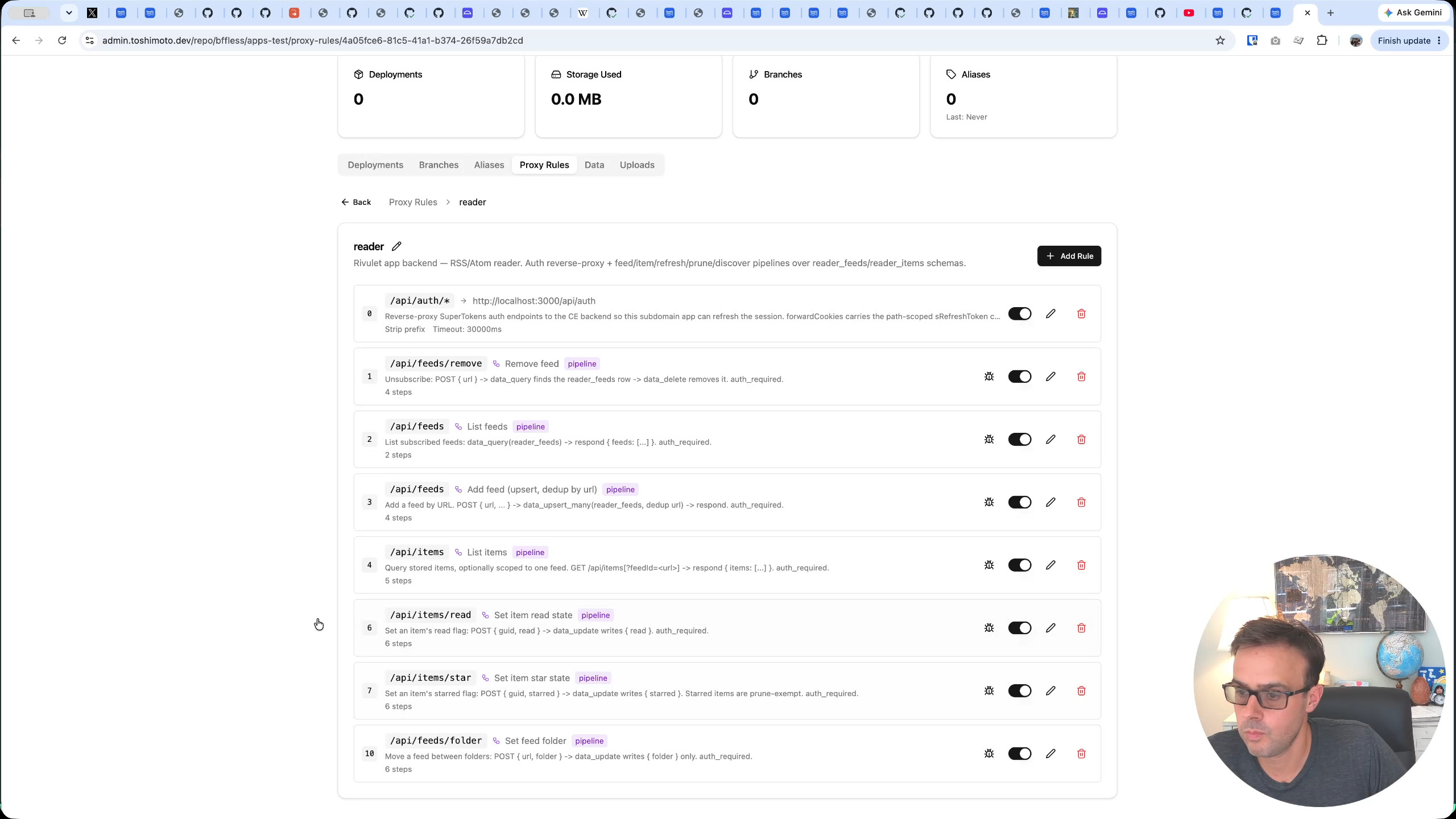
Proxy rules. This is the bulk of the work. Claude creates a rule set with 11 proxy rules — the backend endpoints that power the application. These include a reverse proxy for authentication, endpoints for adding, listing, and removing feeds, folder management, and more. Watching the admin UI, you can see the rules appear one by one: three, then four, then nine, and finally all eleven.
Background schedules. Claude then sets up two background schedules — cron jobs that trigger pipelines on a timer rather than through an API call. This is what lets the reader refresh feeds automatically. You could configure it to pull new content every morning at 6 a.m., for example, so everything is waiting for you when you start your day. Notably, the BFFless UI doesn't yet expose background schedules visually — the MCP server can create them, but the admin dashboard doesn't have a page for viewing them yet. That's on the roadmap.
Alias and domain. Finally, Claude creates an alias and maps the domain reader.toshimoto.dev to it, pointing at the apps/reader/dist path — the built front-end files. The domain is configured as private, meaning only the owner has access.
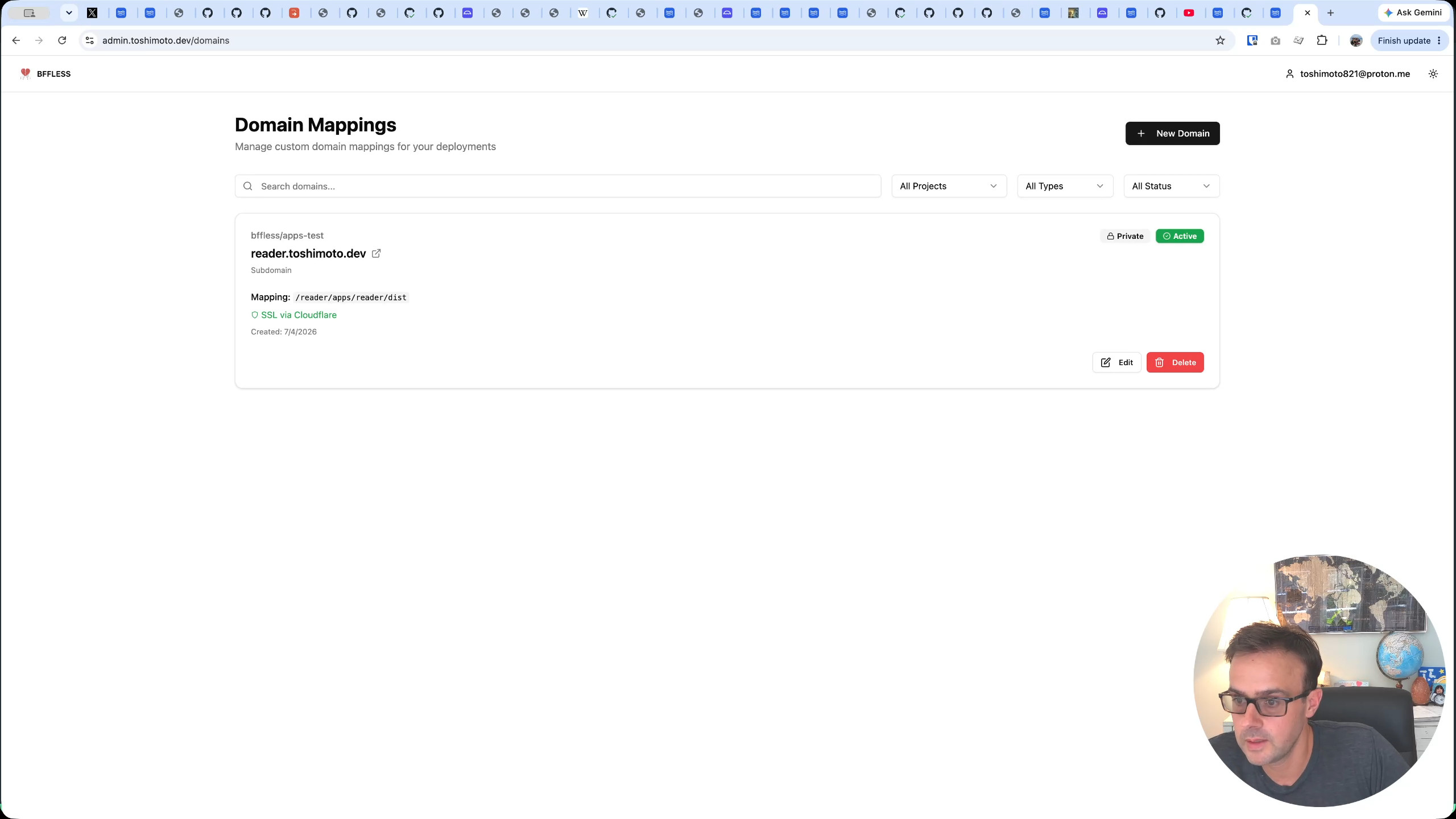
The entire process — from an empty instance to a fully configured application with database tables, eleven API endpoints, background jobs, and a custom domain — was driven entirely by a single natural-language prompt to Claude.
Testing the Live Application
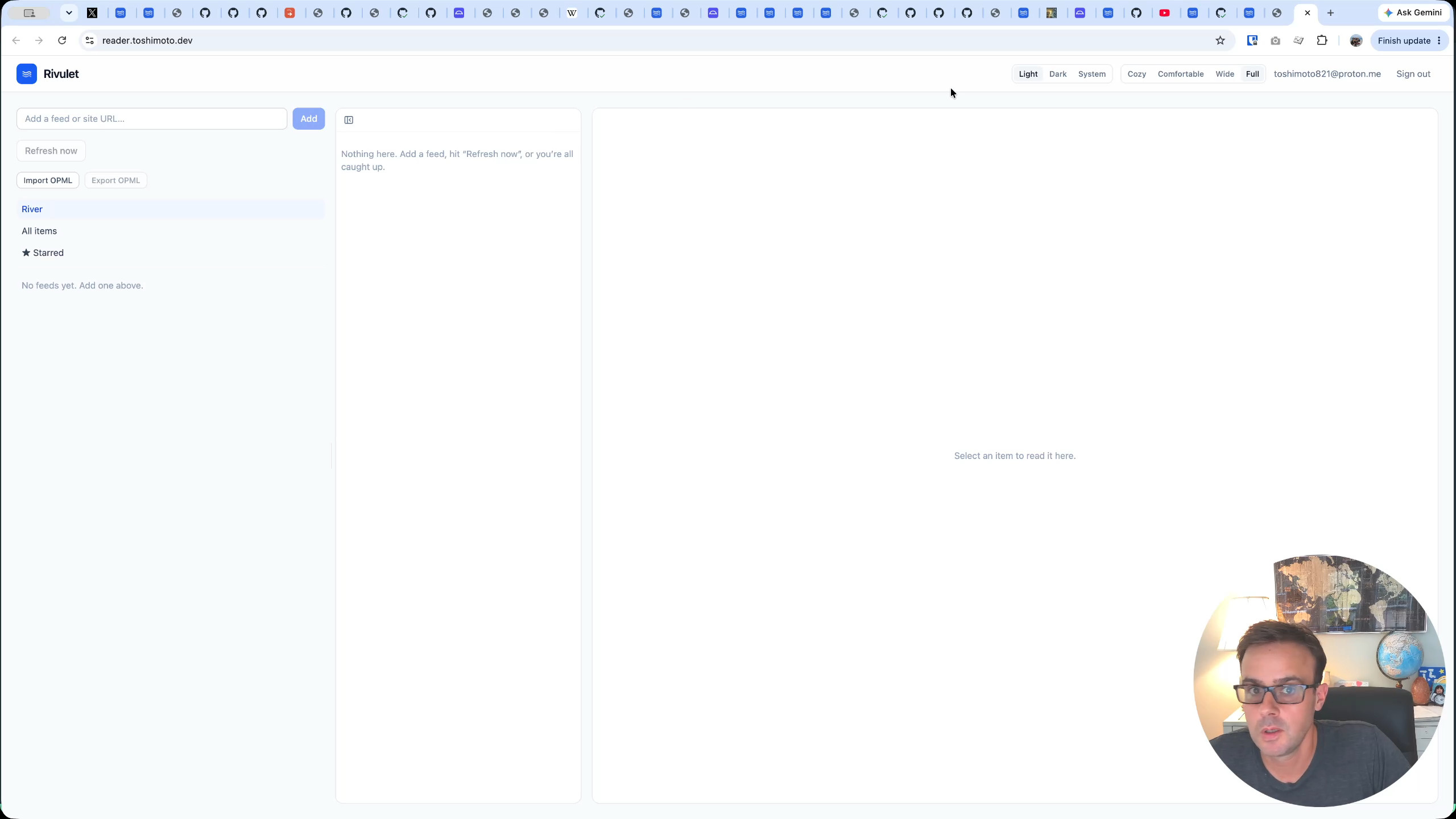
With deployment complete, it's time to open reader.toshimoto.dev and see if everything works. The app loads to an empty dashboard. It supports both light and dark modes, and the layout is adjustable.
The first test: adding a Substack RSS feed. Jordi Visser's "Macro AI and Crypto" Substack URL gets pasted into the add-feed input, and with a single click, the reader pulls in all of the feed's articles. A label "AI" is added to organize it, and all the existing posts are visible and can be marked as read.
A second feed — Jesse Meyers' Substack — is added the same way. Within seconds, its articles appear in the sidebar alongside the first feed.
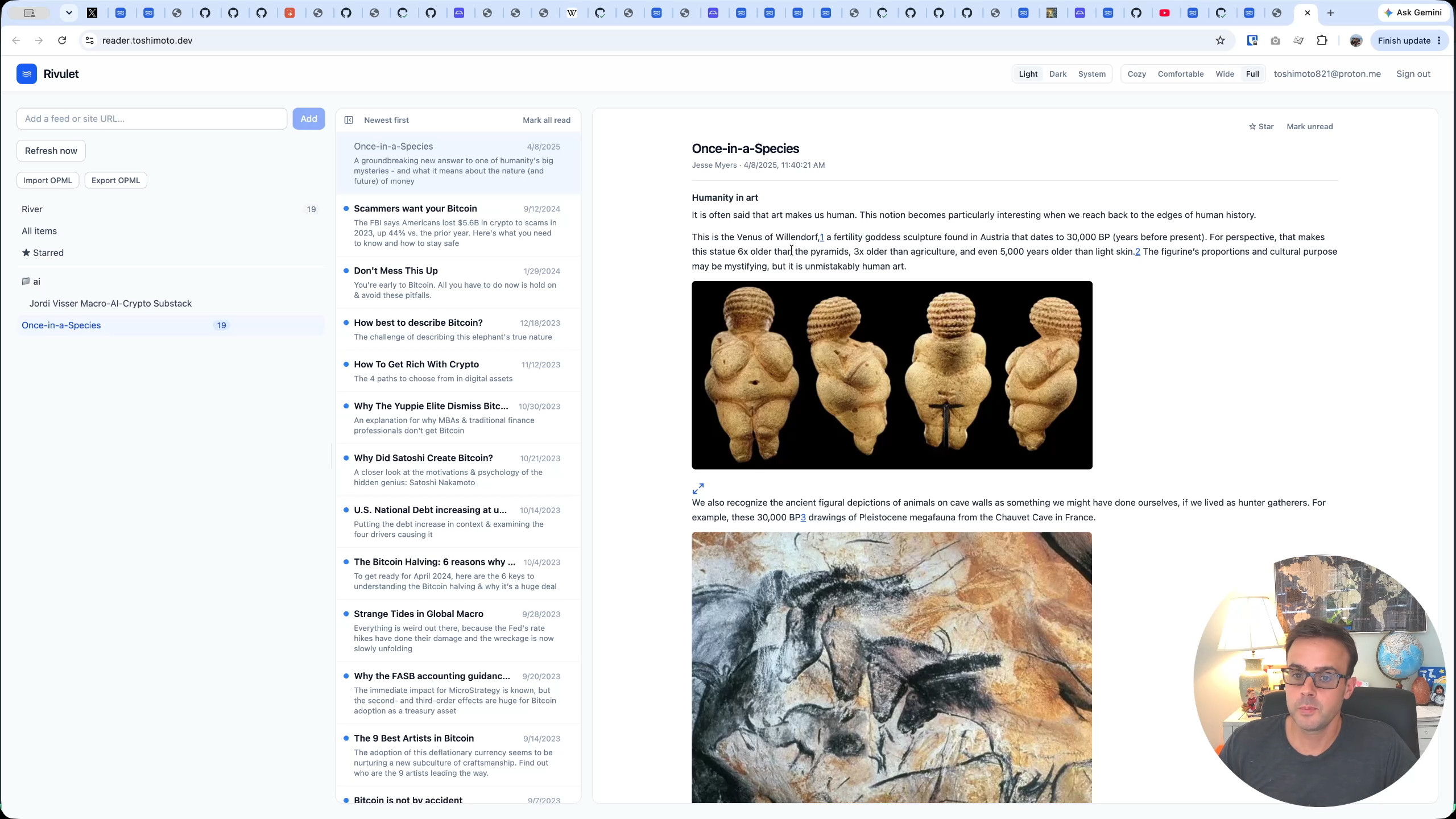
The UI is intentionally simple. It's a feed reader, not a social network. That simplicity is the point: RSS is a decentralized way to follow the topics you care about — whether that's AI, crypto, news, or anything else — without being at the mercy of an algorithm or a platform's business decisions. It's a little more decentralized than relying on Twitter or similar services, and it runs entirely on your own BFFless instance.
Wrapping Up
This demo shows what's possible when you combine Claude's ability to follow deployment instructions with BFFless's MCP server. A complete application — front end, backend API, database, cron jobs, custom domain — was deployed from scratch with a single prompt. No clicking through setup wizards, no writing configuration files by hand.
The reader app is available to install on your own BFFless instance. If you give it a try, feedback, feature requests, and bug reports are all welcome.